PicTok : AI Photo Generator
Blooms StudioPhotography
4.578.00 Reviews
- Version
- 1.0.6
- Installs
- 500.00K
- Age Rating
- Everyone
Screenshots
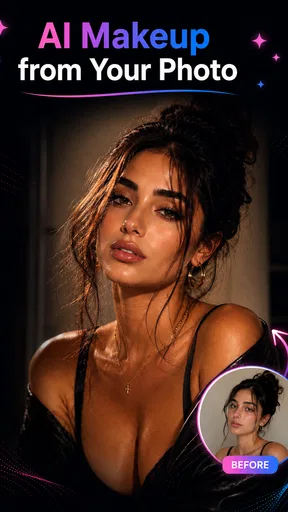
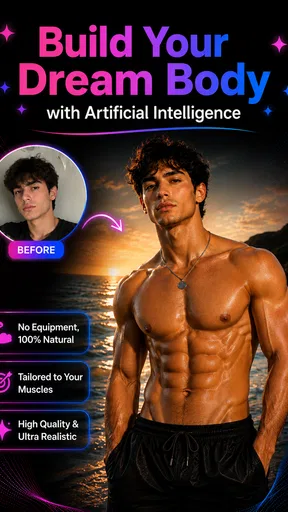
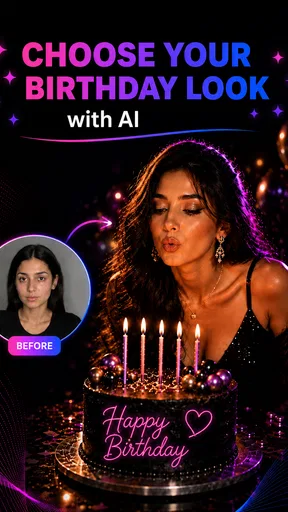
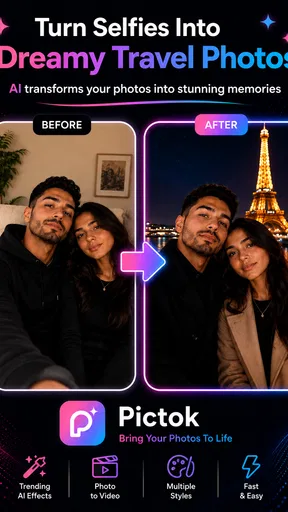
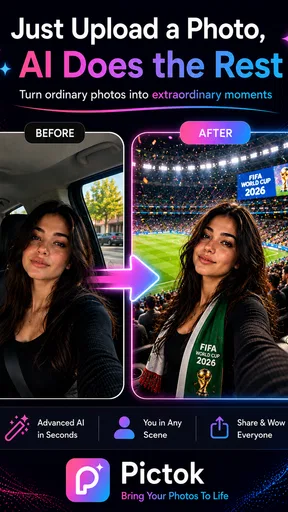

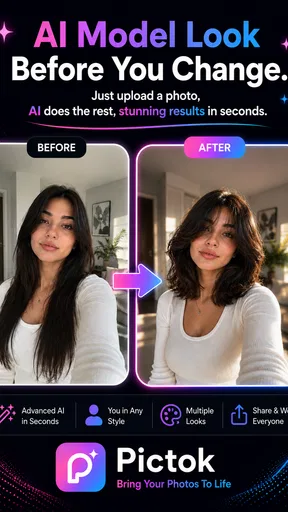
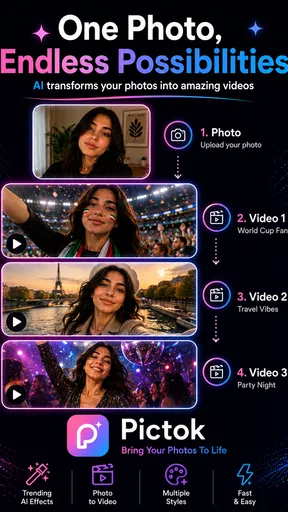
Our Review of PicTok : AI Photo Generator
 Analysis by Appyee
When I first opened PicTok: AI Photo Generator, I treated it less like a traditional camera and more like a quick creative workshop. The app sits in the photography category, but its purpose is broader than taking or retouching ordinary pictures. It is designed around AI-generated photos and videos, with extra attention to hairstyles, travel ideas, and other visual concepts. That makes it interesting for people who want to experiment without learning a complicated editing program.
My main question was simple: is PicTok useful enough to keep on a phone, or is it just another novelty that produces a few amusing images before being forgotten? After spending time with its different creative directions, I found a fairly clear answer. It is best when you already have an idea in mind but lack the time, skill, or source material to build it manually. It is less convincing if you need precise professional retouching, dependable visual continuity, or the control of a conventional editor.
The app is free, aimed at everyone, and comes from Blooms Studio. Its current version is 1.0.6, and it runs on Android 7.0 or later. That broad compatibility is useful for people with older phones, although the quality of an AI image experience can still depend heavily on the device and connection being used. PicTok has reached over 500 thousand installs and holds a 4.5 average from around 13 thousand ratings, which suggests that the idea is connecting with a substantial audience rather than remaining a tiny experiment.
How I Decide Whether PicTok Is the Right Creative Tool
I judge whether PicTok suits me by matching the task to the kind of creative freedom it offers, then checking how much hands-on refinement I’m willing to do. That helps me separate a fun first draft from an image that needs to be accurate or polished. Next, I look at the practical choices that make an experiment more useful, including how to compare variations and when to finish in another tool.
Start with the result you actually want
The most important decision is not whether you like AI imagery in general. It is whether the kind of result you want matches the way PicTok is presented. If you want a fresh profile image, a playful change of hairstyle, a travel-themed visual, or a short generated video concept, the app has a natural place in your workflow. If your goal is to correct a specific shadow, remove one object with exact edges, or prepare a carefully controlled commercial image, a standard photo editor is usually the safer choice.
I found it helpful to separate “idea generation” from “final editing.” PicTok is strongest at the first stage. It can help me see a version of an idea before I spend time arranging photos, searching for backgrounds, or learning a new editing technique. Once I have something I like, I may still want a conventional editor for cropping, lettering, color adjustments, or preparing the image for a particular social network.
That distinction prevents disappointment. AI generators often feel magical when the request is open-ended, but they become frustrating when I expect them to follow every small instruction exactly. With PicTok, I would approach each creation as a visual draft or creative variation unless the result happens to be ready to share immediately.
Think about privacy before using personal images
Anyone considering an AI photo app should pause before uploading sensitive material. I would avoid using identity documents, private family photographs, confidential work images, or pictures of children unless I was completely comfortable with the relevant handling of those images. This is not a criticism aimed specifically at PicTok; it is a sensible habit for any service that transforms personal media.
For casual experimentation, I would begin with a non-sensitive image and see how comfortable the workflow feels. A spare portrait, an old landscape, or a deliberately created test picture can reveal whether the output style suits me without immediately involving something irreplaceable. This small step is one of the most practical ways to evaluate an AI photography app.
Choose the app according to your tolerance for surprises
PicTok is a good match for people who enjoy variations. I like the fact that the same starting idea can lead me toward a different visual direction than I expected. That unpredictability is part of the entertainment and can be useful when I am stuck for inspiration. However, a user who wants the same face, clothing, proportions, and surroundings to remain perfectly consistent may find the process less satisfying.
There is also a difference between generating a still image and generating a video. A still can be judged as one finished composition. A video has to remain convincing across movement and time, so visual inconsistencies become easier to notice. I would therefore judge PicTok more generously for short creative experiments than for a polished sequence that needs to look identical from beginning to end.
Use a repeatable prompt habit
One of the less obvious improvements comes from writing requests in layers rather than throwing every thought into one sentence. I start with the subject, then describe the setting, mood, clothing or appearance, and finally the visual style. For example, I might define a person first, place them in a travel setting second, and add a warm editorial mood last. This gives me a clearer way to diagnose an unsatisfying result.
If the output is wrong, I change one element at a time. Altering everything at once makes it impossible to know what helped. This approach is especially useful for hairstyle ideas: I keep the person and lighting consistent, change only the hair direction, and compare the variations. It turns a casual generator into a simple design tool.
Where PicTok feels most useful
The app’s broad creative focus gives it several practical roles. I can imagine using it to test an online profile concept, create a visual mood board for a trip, explore a new look before visiting a salon, or produce a playful image for a message to friends. These are small tasks, but they are exactly the situations in which opening a full desktop editor would feel excessive.
Travel is a particularly approachable use case. Before a holiday, I could use a personal portrait or a generic subject to imagine different locations, clothing styles, and atmospheres. I would not treat the result as a factual preview of a destination, but it could help me decide what kind of pictures I want to take. The app becomes a planning aid rather than merely a place to make artificial scenery.
Hairstyle experimentation has a similar value. It cannot replace a stylist’s judgement, and a generated look may not reflect the texture or behavior of real hair. Still, it can help someone explain a general direction: shorter, longer, softer, more dramatic, or more structured. I would show the result as inspiration, not as a promise of an exact real-world outcome.
A realistic everyday workflow
Imagine that I am preparing a birthday message for a friend after work. I have a decent portrait but no time to build a themed composition from scratch. I can use PicTok to explore a playful travel or celebration concept, compare a few visual moods, and choose the version that feels closest to the message. If the generated image has an awkward detail, I can either try another variation or use a basic editor to crop it out.
That workflow is more realistic than expecting one tap to produce a perfect campaign image. The app saves me from starting with a blank canvas, but I still need to review the result. I look closely at faces, hands, text-like elements, clothing edges, and the background. AI images can appear convincing at first glance while revealing strange details when viewed more carefully.
Where the app wins against ordinary alternatives
Compared with a regular camera app, PicTok offers imagination instead of documentation. A camera records what is in front of me; PicTok helps me explore what could be in front of me. That makes it more useful for concepts that do not yet exist, such as a stylized travel portrait or a dramatic appearance change.
Compared with a traditional editor, the advantage is speed of exploration. In a manual workflow, I might need to find a background, mask a subject, adjust lighting, and blend the layers. PicTok can be a faster starting point for people who care more about the overall idea than about controlling every pixel. I especially appreciate that distinction when I am creating for personal use and do not need a technically perfect file.
Compared with a social media filter, the appeal is a wider creative range. Filters usually modify a live camera view or apply a recognizable effect. PicTok is better suited to generating a more deliberate scene or concept. The trade-off is that a filter feels immediate and predictable, while an AI result may require several attempts and closer inspection.
Where another type of app may fit better
I would choose a conventional photo editor when accuracy matters. If I need to preserve a person’s exact appearance, repair a product photograph, create clean typography, or make a precise selection, manual tools offer more dependable control. PicTok may produce an attractive interpretation, but interpretation is not the same as faithful editing.
I would also look elsewhere for serious video production. PicTok’s video direction is appealing for quick creative material, but a dedicated video editor is more appropriate when I need a timeline, exact cuts, audio control, captions, transitions, or repeatable branding. The two categories can work together: PicTok for generating an idea or visual element, and the editor for assembling the finished piece.
People who dislike synthetic-looking faces should approach carefully as well. Even a visually impressive result can feel unsuitable if authenticity is the central requirement. For a family album, a documentary project, or a professional portrait where the subject must remain recognizable, a real photograph with restrained adjustments is usually the better option.
The hidden cost of switching from manual editing
PicTok reduces the technical effort of creating an image, but it shifts some of the work into selection and judgement. Instead of spending time cutting out objects by hand, I may spend time comparing variations, rewriting the request, and checking whether the result has subtle defects. That is not necessarily a disadvantage, but it changes what “easy” means.
There is also a learning curve, even though the app is intended to feel approachable. The first result is not always the best result, and users who do not experiment may conclude too quickly that the app is limited. My advice is to keep a short record of wording that works well. Reusing a successful structure while changing only the subject or setting makes future sessions faster.
Switching back to a normal editor can be equally important. I would not let an AI generator become the only tool in my photography setup. A simple crop, a small brightness correction, or a careful export can make the difference between an image that feels ready and one that looks unfinished. PicTok works best as part of a flexible workflow, not as a replacement for every other photography tool.
What the free price means in practice
PicTok is free, which makes trying it low-risk for curious users. I can explore its concept without committing money before I know whether the style suits me. That is a meaningful advantage over tools that ask for payment before I understand the quality or workflow.
Free does not automatically mean frictionless, though. I still need to consider the time spent generating alternatives, reviewing them, and deciding which one is usable. For occasional personal projects, that trade-off is reasonable. For frequent professional work, the more important question is consistency and control, not simply the entry price.
I would also avoid judging the app after one rushed attempt. AI results can vary depending on the source image and the clarity of the request. A fair trial includes several different tasks: one portrait, one imaginative scene, one hairstyle idea, and one video-oriented experiment. That gives me a better sense of whether PicTok is genuinely useful or only entertaining in one narrow situation.
Who should install it
I recommend PicTok to casual creators, social media users, travelers who enjoy visual planning, and anyone curious about changing the mood or appearance of a photo. It is especially appealing if I want quick inspiration without studying layers, masks, or advanced retouching tools. The everyone age rating also makes it broadly approachable, although responsible use of other people’s images still matters.
It is a good fit for a phone because the ideas are easy to test in spare moments. I can explore a look while commuting, prepare a visual message before meeting friends, or build a small collection of travel concepts without opening a computer. The app’s value comes from lowering the distance between an idea and a first visual attempt.
Who should skip it
I would skip PicTok if my priority is exact photographic truth. It is not the tool I would choose for evidence, archival work, precise product presentation, or any situation where changing the subject could mislead viewers. I would also look for another solution if I need advanced controls, dependable repeatability, or a complete professional production environment.
Users with very limited patience for trial and error may prefer a simple filter app. PicTok asks me to participate in the creative process by describing what I want and judging what it produces. That involvement is part of its charm, but it can feel like unnecessary effort when all I want is a quick brightness adjustment or a familiar portrait effect.
My recommendation after using it
PicTok earns a place as a lightweight creative companion rather than a universal photography replacement. Blooms Studio has focused the experience on accessible AI experimentation, and the combination of photos, videos, hairstyles, and travel ideas gives me more to explore than a single-purpose effect app. The strongest results come when I treat it as a sketchbook: generate, compare, refine, and then finish elsewhere if needed.
My practical recommendation is to install it if you want imaginative variations and are comfortable checking AI output carefully. Begin with a harmless test image, use specific layered descriptions, change one instruction at a time, and inspect the final result at full size. Those habits make the experience more reliable and help reveal whether the app fits your creative routine.
For me, the deciding advantage is convenience. PicTok can turn a vague thought such as “show me a different hairstyle” or “put this portrait into a travel mood” into something visible quickly. Its deciding weakness is control: the more exact the required result, the more likely I am to prefer a traditional editor or a dedicated video tool. If you understand that trade-off, PicTok is worth trying as a free way to explore visual ideas before committing to a more demanding workflow.
With its 4.5 average and growing audience, the app is clearly appealing to people who want approachable AI creativity. I would not install it expecting professional retouching or flawless realism every time. I would install it when I want to experiment, find inspiration, or make an ordinary photo feel more imaginative. In that role, it is a useful and enjoyable addition to a phone’s photography toolkit.
Verdict
Strengths of PicTok : AI Photo Generator
- Creates imaginative images from simple text prompts.
- Offers a variety of artistic styles and visual effects.
- Useful for social posts, profile images, and creative projects.
- Simple interface makes image generation accessible to beginners.
- Can inspire ideas when you need quick visual concepts.
Limitations of PicTok : AI Photo Generator
- Generated faces, hands, and text may sometimes look distorted.
- High-quality results may require credits or a paid subscription.
- Processing times can vary when demand on the service is high.
- Results may not always match detailed or complex prompts.
- Privacy terms should be checked before uploading personal photos.
Similar Picks in This Category
View All
Google Photos
Google LLC4.4

Gallery
Google LLC4.2

Picsart AI Photo Editor, Video
PicsArt, Inc.3.9

B612 AI Photo&Video Editor
SNOW Corporation4.1

BeautyPlus-Selfie Photo Editor
PIXOCIAL TECHNOLOGY (SINGAPORE) PTE. LTD.4.5

Remini - AI Photo Enhancer
Bending Spoons4.1
Frequently Asked Questions
What is PicTok: AI Photo Generator and what can it do?
PicTok: AI Photo Generator is an image-creation and editing app designed to turn written prompts or existing photos into stylized visuals. Depending on the available tools and version, you can generate portraits, avatars, artistic scenes, social-media images, and creative edits. The app is mainly aimed at casual creators who want quick results without using complex desktop editing software.
Is PicTok: AI Photo Generator free to download and use?
PicTok can generally be downloaded without an upfront charge, but some features may be limited behind in-app purchases, subscriptions, credits, or advertisements. Before generating many images, check the pricing screen carefully, especially the renewal terms for subscriptions and the number of credits included. Availability of free generations and premium tools may also vary by device, region, and app version.
Do I need an internet connection to use PicTok?
Yes, an internet connection is normally required for the main AI generation features because prompts and images are processed through online servers rather than entirely on your phone. A stable Wi-Fi or mobile-data connection can help prevent failed generations and slow uploads. If you plan to use the app while traveling, remember that repeated image creation may consume considerable mobile data.
Are photos uploaded to PicTok safe and private?
You should review PicTok’s current privacy policy before uploading personal or sensitive photographs. AI image services commonly transfer uploaded images and prompts to remote servers for processing, and the provider may retain certain information for service operation, safety, analytics, or improvement. Avoid uploading confidential documents, private images, or pictures of other people without permission, and check the app’s deletion and data-control options.
What should I know about the quality and limitations of images generated by PicTok?
PicTok can produce attractive results quickly, but AI-generated images are not always accurate or consistent. Faces, hands, text, logos, backgrounds, and small details may contain visible mistakes, while results can differ substantially from one generation to another. Some styles or high-resolution exports may require premium access. For professional projects, review every image carefully and confirm that its use complies with copyright and commercial-use rules.
